Day 5: Doors, settings and a steadier connection
By the start of Day 5 the prototype had planets to fly between, contracts, outposts and bunkers. The day was about making all of it easier to live with: more to do in the places we'd already built, the menus every game needs, smoother movement, and a clear answer when the connection drops.
Towns you can open up
The crates, boxes, lockers, bins and cabinets standing around towns, camps, derelicts, crash sites, bunkers and caves now open like an item pouch. Most are empty, but about 1 in 20 holds a little copper wire, a power cell, sulfur or titanium ore, and they restock every hour.
Red barrels explode when they're shot, by you or by a scavenger. The blast hurts everyone within 6 m, sets off the red barrels beside it, and the barrel is back 30 minutes later.
Buildings with a doorway now have a door. Interact opens or closes it, and it stays as it's left, for everyone. A door won't close on someone standing in it.
Crates, contracts and the map
- Crate names. You can rename a crate. The name is printed on it, used in prompts and screens, and kept through signing out and travel.
- Crates stay put. Walking into a crate no longer shoves it. You stop at it, and you can stand on one.
- Crates through doors. A crate held in your tractor beam now follows you through a bunker's or a cave's door, in and out.
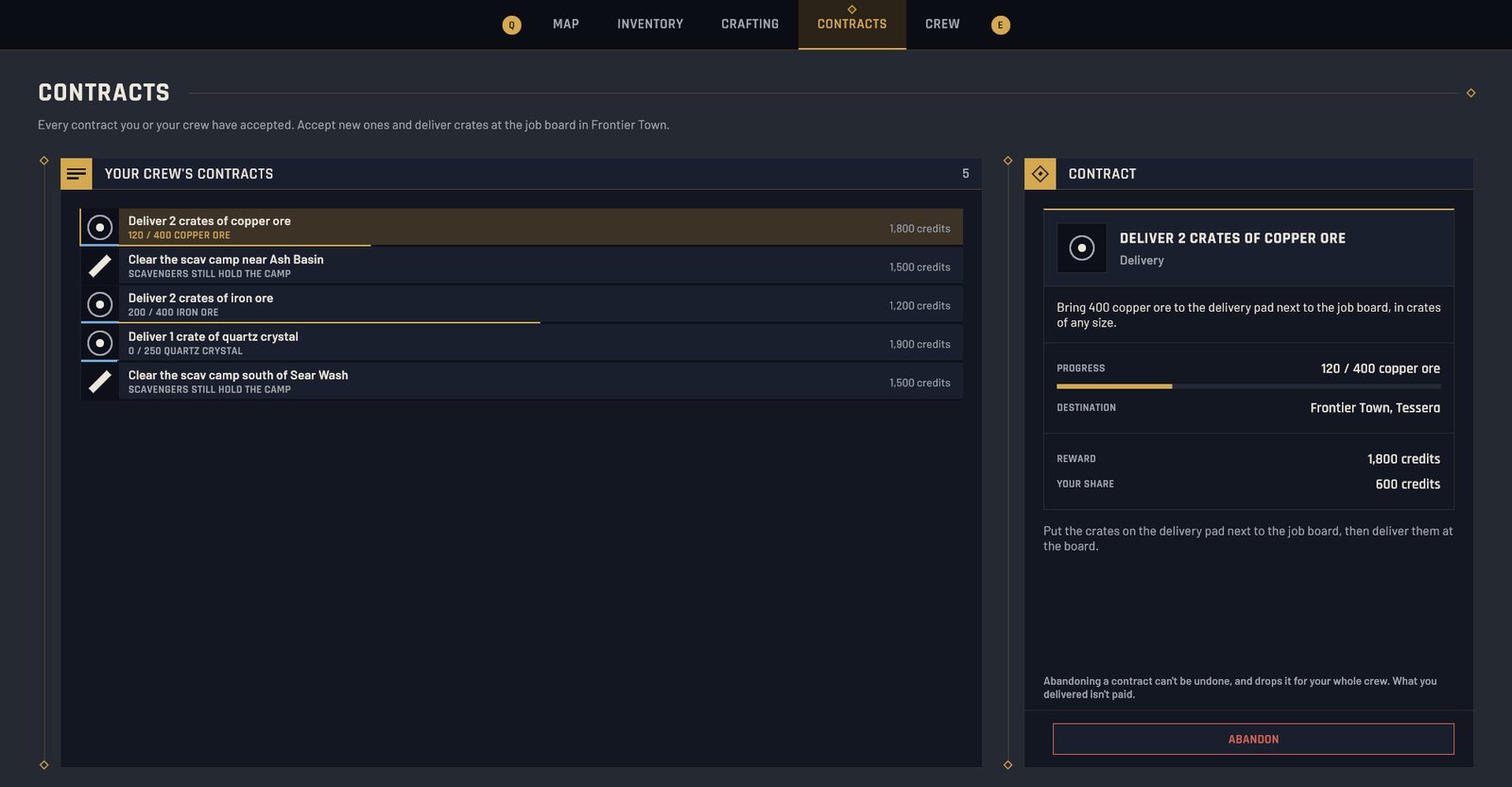
- No contract limit. A crew can hold as many contracts as it likes. The Tab screen's new CONTRACTS tab lists them with their progress, destination and reward, and you can abandon one there.
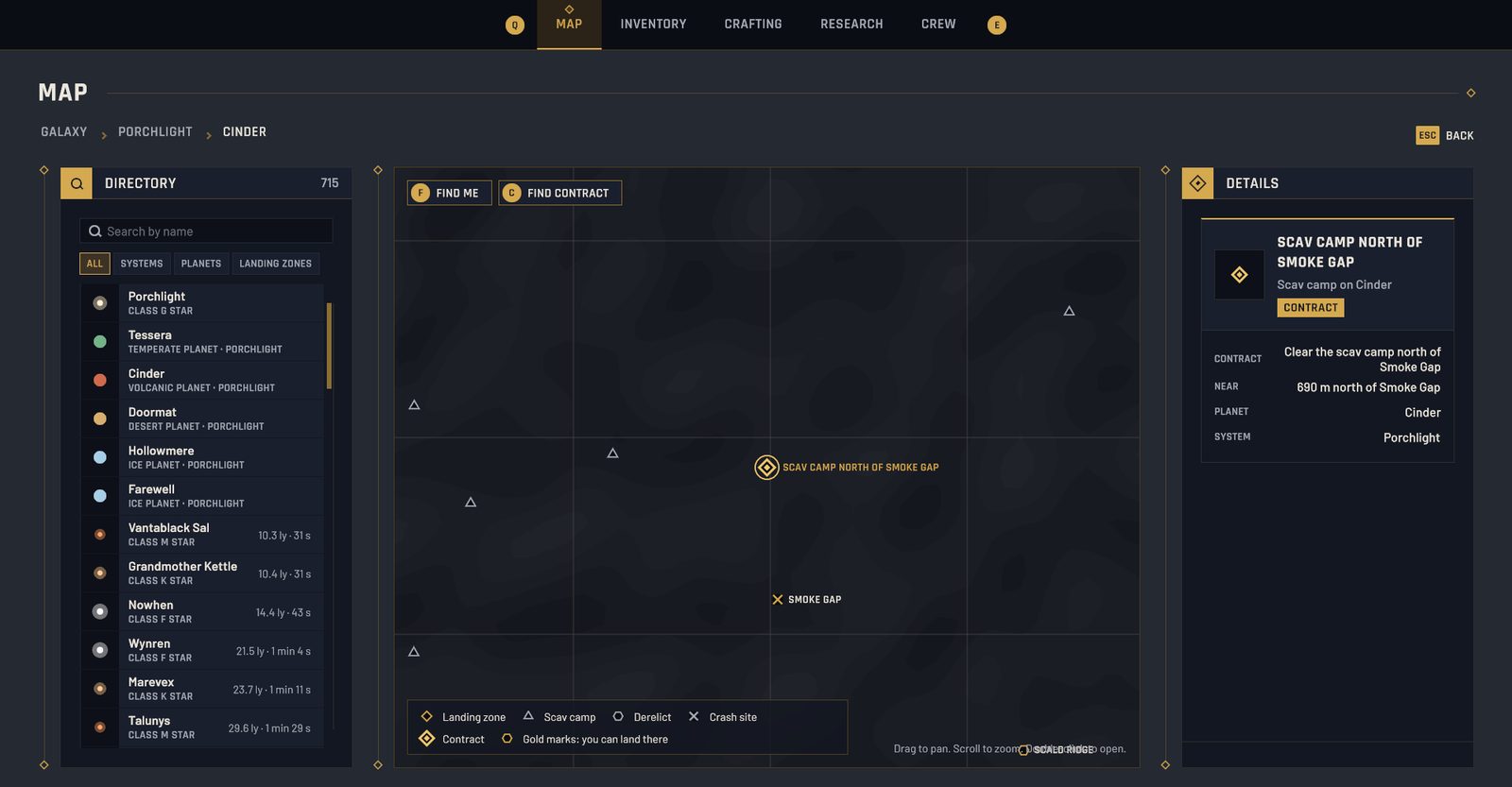
- Find me and Find contract. 2 new buttons on the map center it on you, or on your contracts' targets one after another. The map also shows your ships.
Menus and settings
Esc, or the gamepad's Menu button, now opens the escape menu: Resume, Settings, Disconnect and Quit. Disconnect takes you back to the title screen, and Quit closes the game.
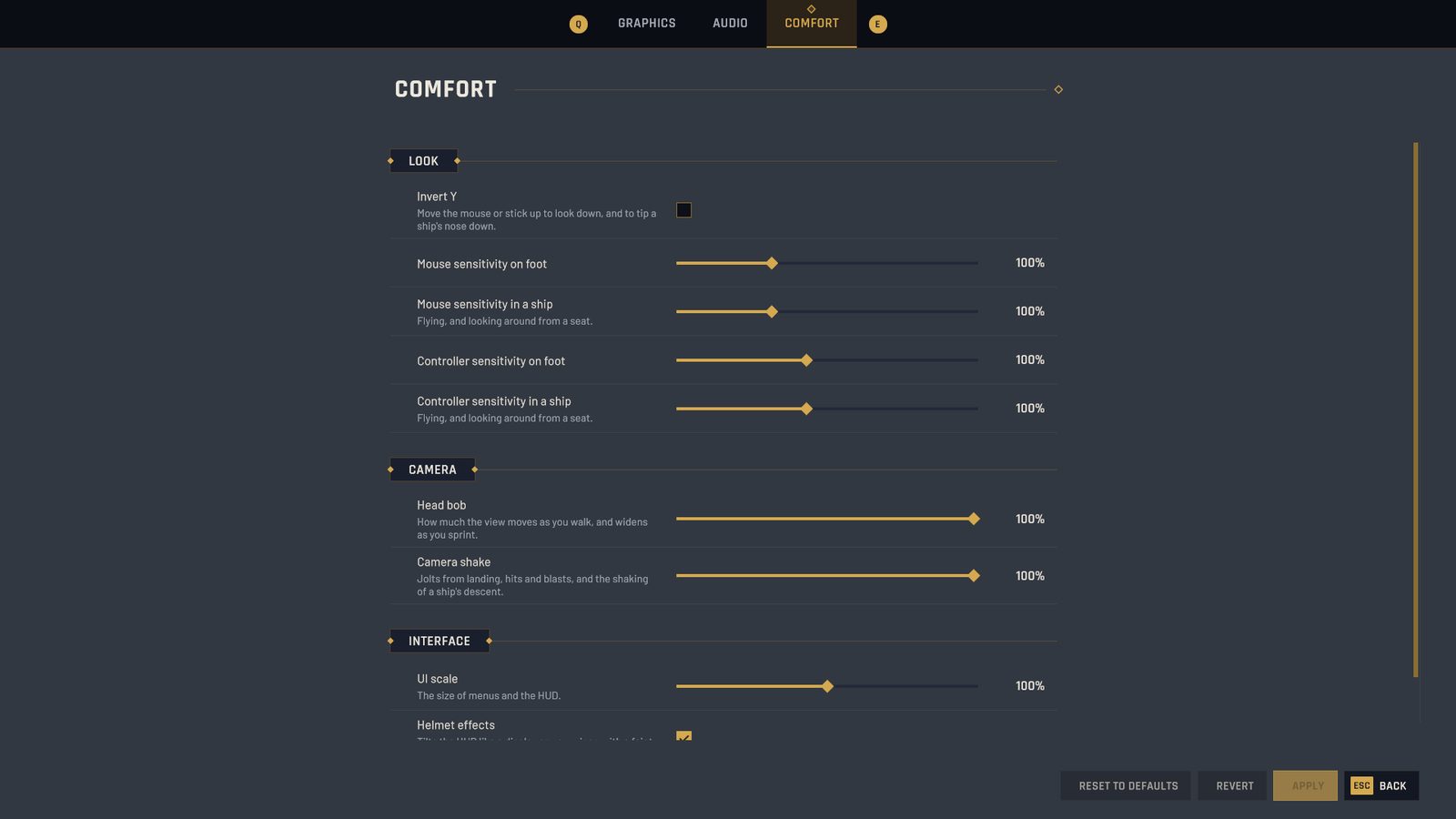
The Settings screen has 3 tabs, and your choices are kept on this device:
- Graphics: resolution, display mode, V-sync, a frame rate cap, quality, render scale and field of view.
- Audio: master, effects, ambience and interface volume, and mute while the game is in the background.
- Comfort: invert Y, separate mouse and controller sensitivity on foot and in a ship, head bob, camera shake, UI scale and helmet effects.
Moving and flying
Walking and running now ease up to speed and back down instead of starting and stopping instantly, and turning the view no longer jitters.
In a seat you can look around. The pilot holds Left Alt (or Y on a gamepad) to look around without steering. Standing up from a seat now puts you on the deck beside it, not through the hull.
Ships keep their doors, cupboards, lights, ramp and landing gear as you left them, even after you store it and call it back. The ramp now opens in space, so a player left outside can get back in, and it won't close on someone standing on it.
Staying connected
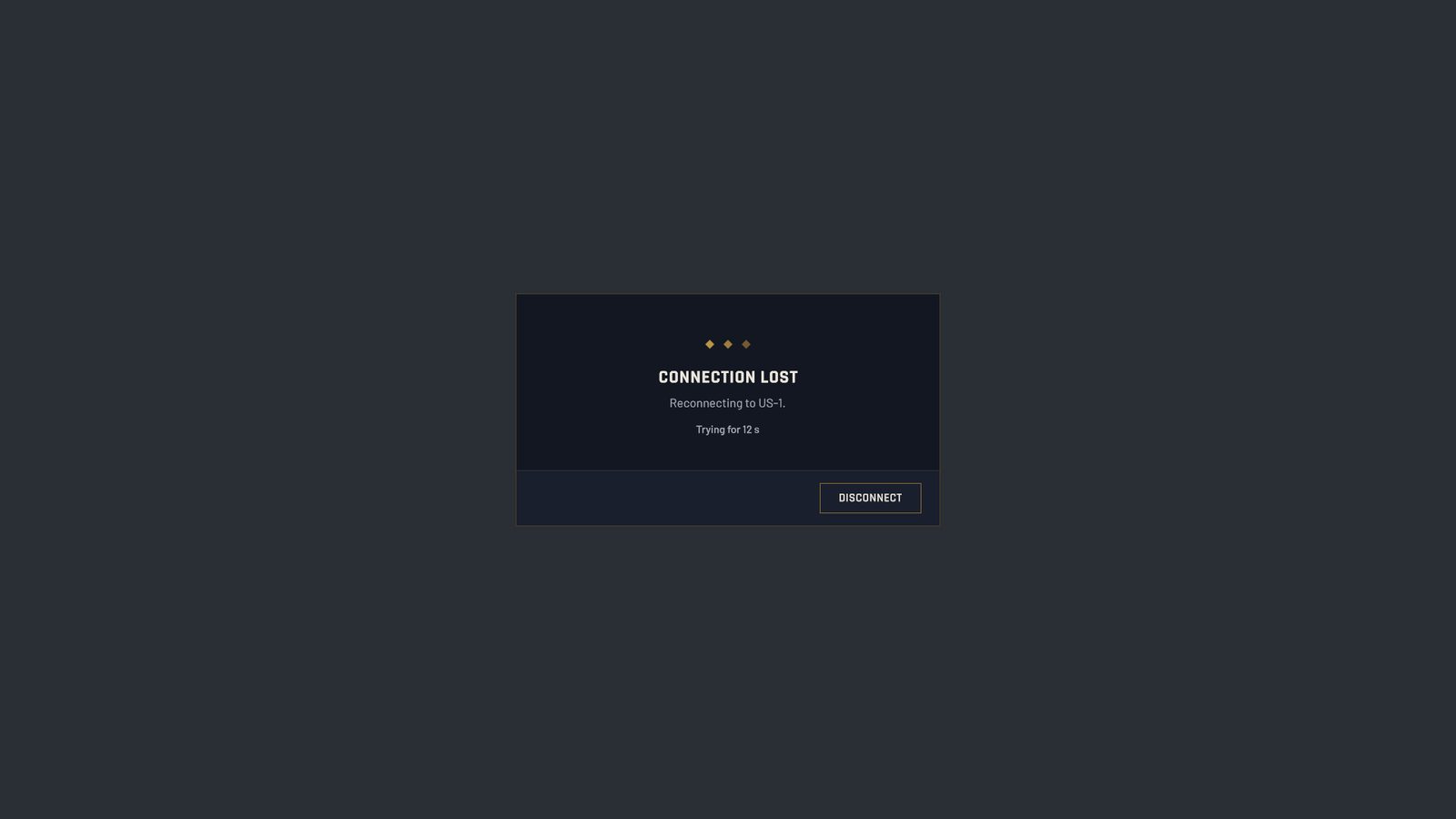
If your connection drops while you play, a screen now says it's reconnecting and how long it's been trying. If it gives up after 40 s, it tells you why and offers Join again. A small "Connection unstable" warning shows when the servers go quiet for a few seconds.
While you're away, your character stays in the world for 30 s, standing still. It lets go of any crate and leaves the pilot seat, so your ship hovers and someone else can fly it. Disconnect and Quit remove your character at once.
When you come back, you start where you left off instead of appearing in Frontier Town first.
Under the hood
- Holoverse is now a desktop game for Windows, macOS and Linux. We retired the browser version.
- The servers only let in the current build, and an older build shows a Download button for the new one.
- Your username is your name in the game. Players without one show as a generated name, never their real name or email.
- Crews take up to 32 players, and claim beacons work on any planet or moon.
- When you're down, the "Hold to give up" prompt now shows in the panel on screen instead of hidden behind it.
- For our playtests, testers can send a bug report from the game with F8, and the servers count sessions and contracts so we can see how a playtest went.